The Remote Work Era: How VPNs Protect Enterprise Data from Leaks
2026-10-26 · shanlian
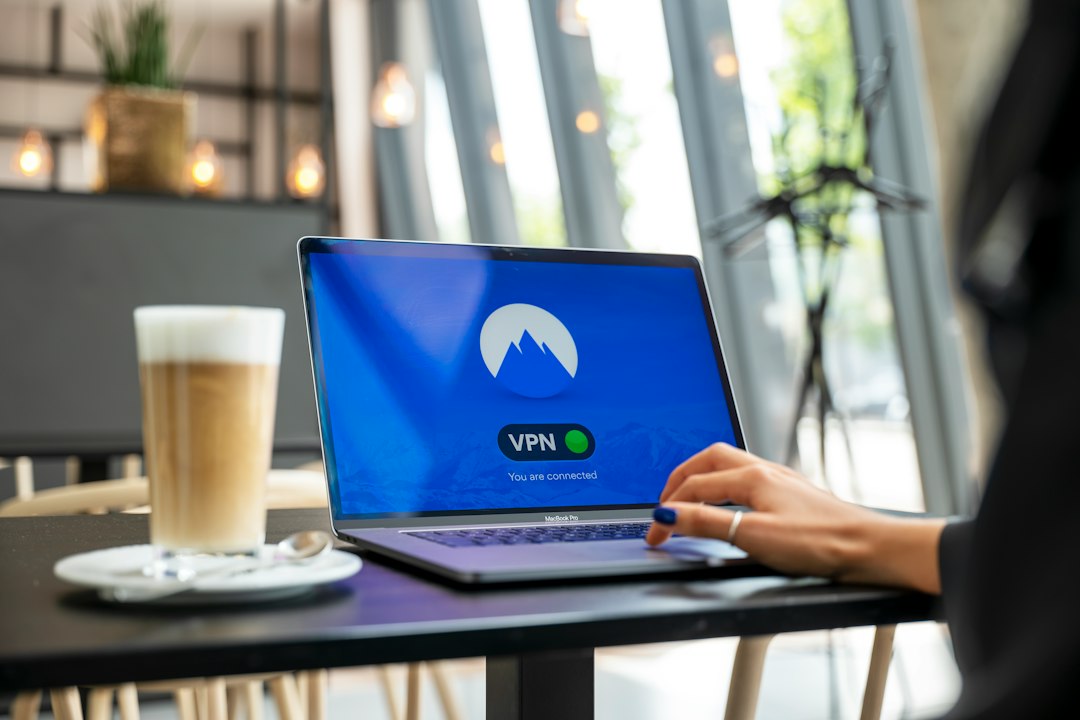
Remote work has gone from an "emergency option" to the "default configuration" for many companies. Employees open their laptops at home, in coffee shops, on high-speed trains, and just start working. It's genuinely convenient, but the data security gaps have grown right along with it.
According to IBM's "Cost of a Data Breach Report 2023," the average global cost of a data breach reached $4.45 million, a record high. In remote work scenarios, with employees scattered and network environments uncontrollable, the risk of leaks is considerably higher than in centralized offices. This is the context in which VPNs have regained attention—they're not just "censorship-circumvention tools," but an encrypted channel for enterprise data.
Where exactly does remote work expose your data?
Before diving into the technical details, let's look at the easily overlooked pitfalls in everyday scenarios.
- An employee connects to public WiFi at home to handle contracts, while unknown devices on the same network may be packet-sniffing
- Logging into company systems via hotel networks during business trips, with traffic traveling over plaintext HTTP
- Project files passed around through personal cloud drives and WeChat, outside company control
- Data synchronization between branch offices and headquarters over the public internet without an encrypted tunnel
Individually, none of these seem like a "major incident," but stacked together, they form a complete data leak pathway. An attacker doesn't need to breach the company firewall—just sitting on the insecure WiFi the employee connected to is enough.
What exactly does a VPN's encrypted tunnel encrypt?
Simply put, a VPN establishes an encrypted tunnel between the employee's device and the company's internal network. The data you send out is first encrypted, then transmitted over the public internet, and only decrypted at the company gateway. Even if intercepted in transit, all anyone gets is gibberish.
The key here is the protocol. Mainstream enterprise-grade VPNs use protocols like IPSec or WireGuard, with encryption strength sufficient to withstand common man-in-the-middle attacks. Services like lightxtreme VPN complete encryption encapsulation at the transport layer—employees don't need to understand the technology; they just connect and go.
But note: VPNs encrypt the "transmission process," not "storage." If employees download files locally and leave them lying around, the VPN can't help. So the encrypted tunnel is only the first layer—endpoint management and access control must follow.
Enterprise VPN deployment: "just being able to connect" is far from enough
Many companies only check whether a VPN can dial in when purchasing one—that's far from sufficient. In remote work scenarios, at least three things need to be considered:
- Strict identity verification: Stop using single-factor "username + password." At minimum, add SMS verification codes or hardware tokens. If conditions allow, adopt a zero trust architecture that verifies identity and device status on every access.
- Granular permissions: Finance should see the financial system, R&D should see the code repository—don't let one VPN account unlock the entire company. The principle of least privilege is even more important in remote scenarios.
- Comprehensive logging: Who accessed what resource, at what time, from which IP—these records become investigation clues when something goes wrong. A VPN without logs is like a safe without surveillance.
One practical advantage of lightxtreme VPN in enterprise scenarios is support for multiple devices online simultaneously—employees can connect their phones, laptops, and tablets at the same time without switching accounts back and forth, and the admin console provides a unified view of connection status. For small and medium teams, the deployment barrier is low.
A hypothetical case: what happens without a VPN
Suppose a salesperson at a company logs into the CRM system via public WiFi at a coffee shop to check customer quotations. Someone on the same network uses a packet-sniffing tool to eavesdrop. Since the CRM system doesn't enforce HTTPS, login credentials and quotation data are intercepted directly. The attacker then uses these credentials to log into the system and export the customer list. The entire process requires no advanced hacking skills. (Note: This is a hypothetical case for illustrating risk scenarios, not a real event.)
If this company required VPN access for remote connections, the data would already be encrypted when it leaves the laptop. The packet sniffer would only see encrypted traffic—neither credentials nor quotations would be exposed. That's the most direct value of an encrypted tunnel.
Don't treat VPNs as a panacea
To be honest, VPNs solve the "transmission security" piece. There are far too many paths for enterprise data leaks—phishing emails, weak passwords, employees sharing files without authorization, endpoint malware—none of which a VPN can address.
So the right approach is: VPN as the foundation, combined with endpoint security software, multi-factor authentication, data classification and grading, and employee security awareness training—forming a combined defense. Remote work security can't be solved by a single tool, but the VPN is indeed the most fundamental line of defense.
If you're looking for an encryption solution for your team's remote work, give lightxtreme VPN a try. Start with a small-scale deployment, check whether the connection stability and admin console work smoothly for you, and then decide whether to roll it out company-wide. When it comes to security, acting early is far cheaper than remediating afterward.
Browse with greater privacy using lightxtreme VPN.
Get lightxtreme VPN